
Transform Your Entertainment with Ultimate 4K Streaming
Experience TV like never before with crystal-clear 4K quality, live sports, and non-stop entertainment for the whole family.
Why You'll Love Our Service
Front-Row Sports Coverage: Catch every goal, touchdown, fight, and race in stunning 4K resolution. High-frame-rate streams ensure you never miss a fraction of a second of the action.
Blockbuster Movies & Hit Series: Access the latest Hollywood releases, trending series, and complete box sets the moment they drop.
Always Fresh Content: Our library updates constantly with automatic content refreshes, ensuring you always have new movies and shows ready to stream.
Unmatched Reliability: Enjoy smooth, buffer-free streaming across all your favorite devices with 99.9% uptime.
Ready to Upgrade Your Viewing?
Sign up today and get instant access to the ultimate line-up of live sports and entertainment.























Live Sports & Premium Content Access
Experience nonstop action and premium entertainment through the Big Boss IPTV platform. Access an extensive library of live content, event coverage, and on-demand sports entertainment — all with a built-in electronic guide and 24/7 availability.
Our excellent service
Why subscribe to our service?
Fast Servers
Our servers provide high-quality entertainment viewing without interruptions or technical issues. Register today for a convenient and unmatched experience.
High quality
Enjoy unmatched quality and performance – stream your favorite shows and events with confidence, powered by our advanced servers.
Low prices
Our high-end products are offered to you with the best prices on the market and money back guarantee.
Virtual Support
Available 24/7 — reach out to us anytime via Telegram or Email for assistance. Try Big Boss IPTV risk-free with access to our digital content platform and all included features.
Big Boss IPTV is a company that focuses on bringing you the entertainment you love.
Our team is dedicated to resolving any technical issues and providing you with the highest quality service. For more information about our packages, feel free to reach out.
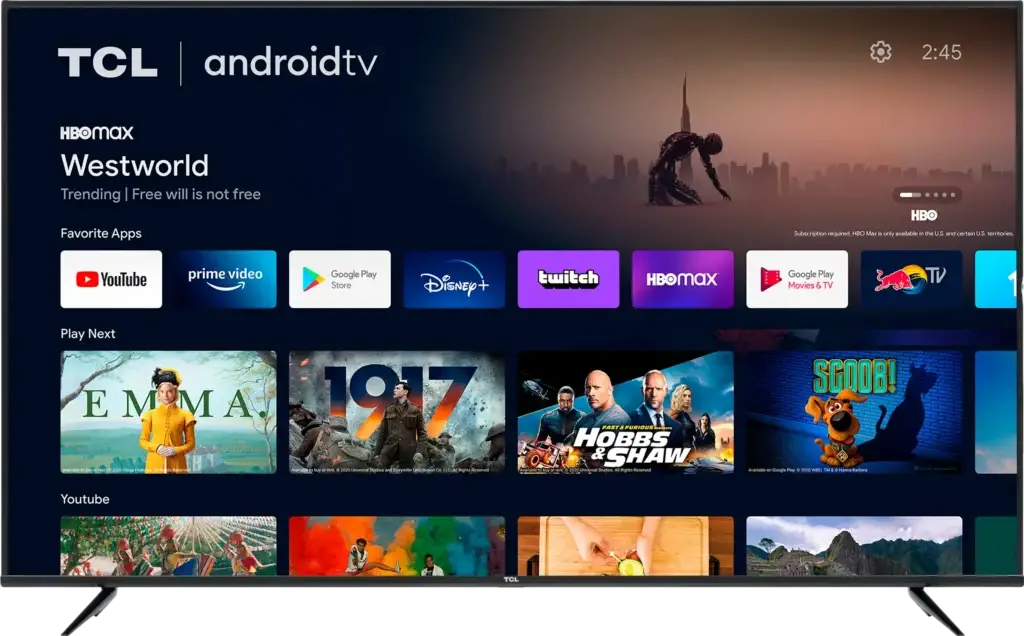
Popular Movies and TV Shows
Stream your favorite channels and shows









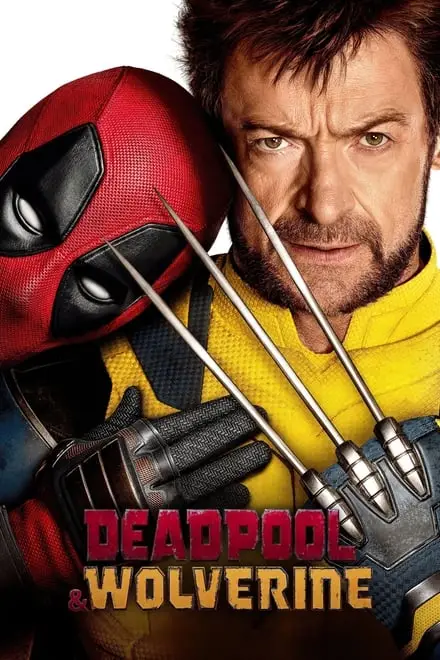







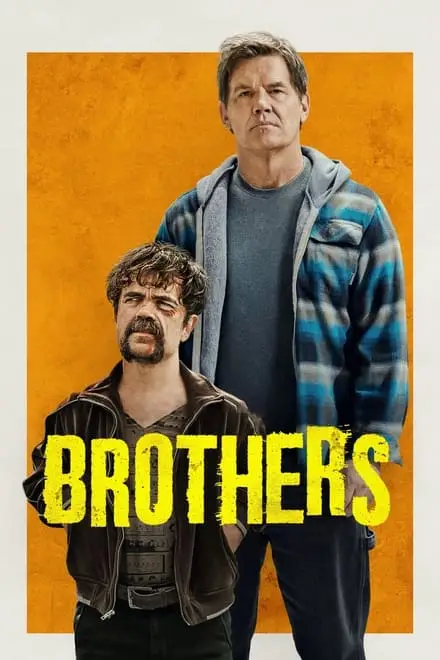


Kids’ Favorites















Our services
Why choose us
Servers
Superior quality and performance: Stream your favorite shows and events with confidence, powered by our state-of-the-art servers.
Content
Unlock the world's premium channels: Access highly sought-after channels, movies and series for an amazing experience.
Worldwide
Stay connected anywhere – enjoy your favorite shows and series on demand. Stay up to date and connected to the content you love
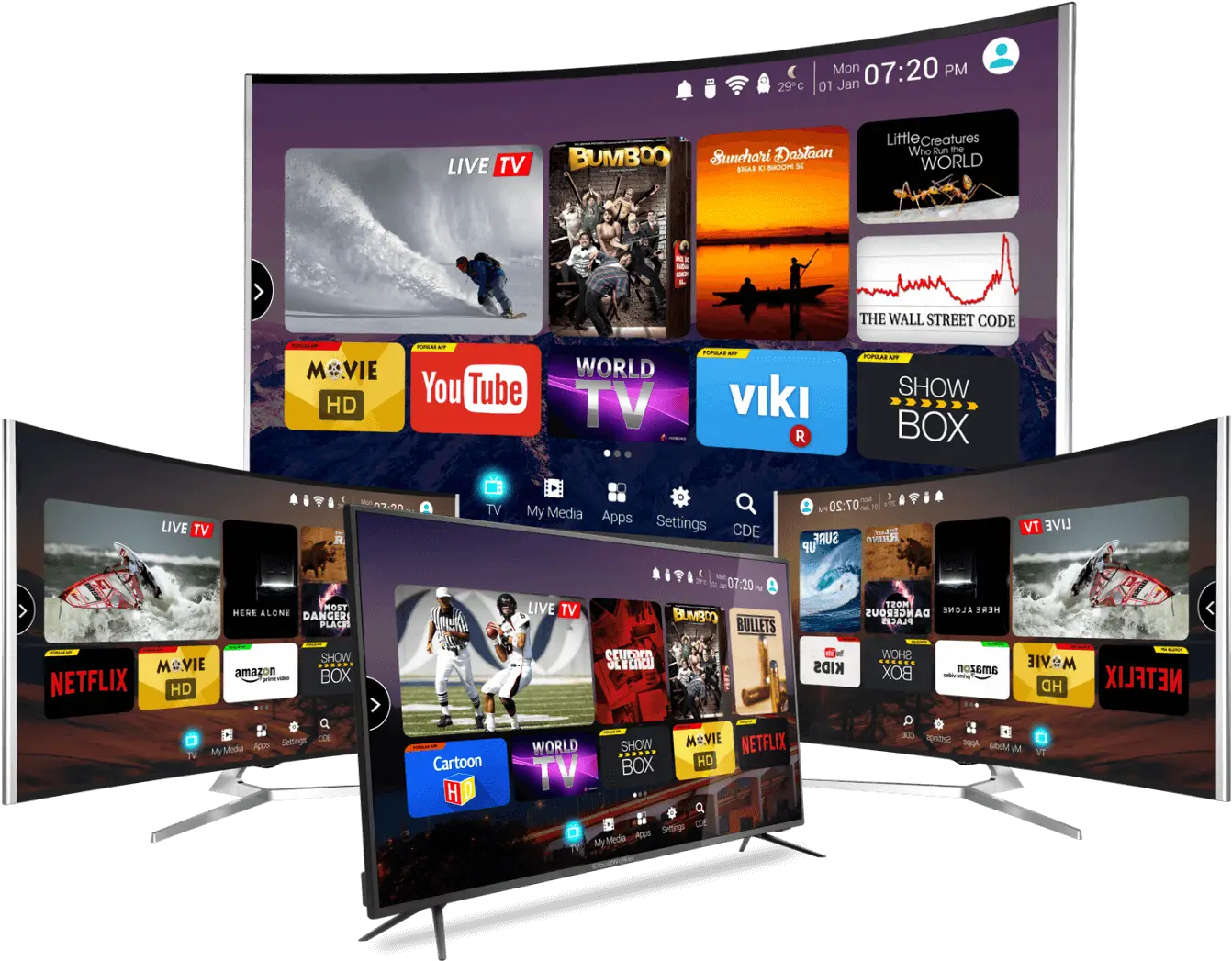
Compatible with all devices
Our Big Boss IPTV service is compatible with all devices, including Smart TV, Android Box, phones, Apple devices, Amazon Fire Stick, KODI and MAG Box. Enjoy seamless entertainment on all your favorite devices.
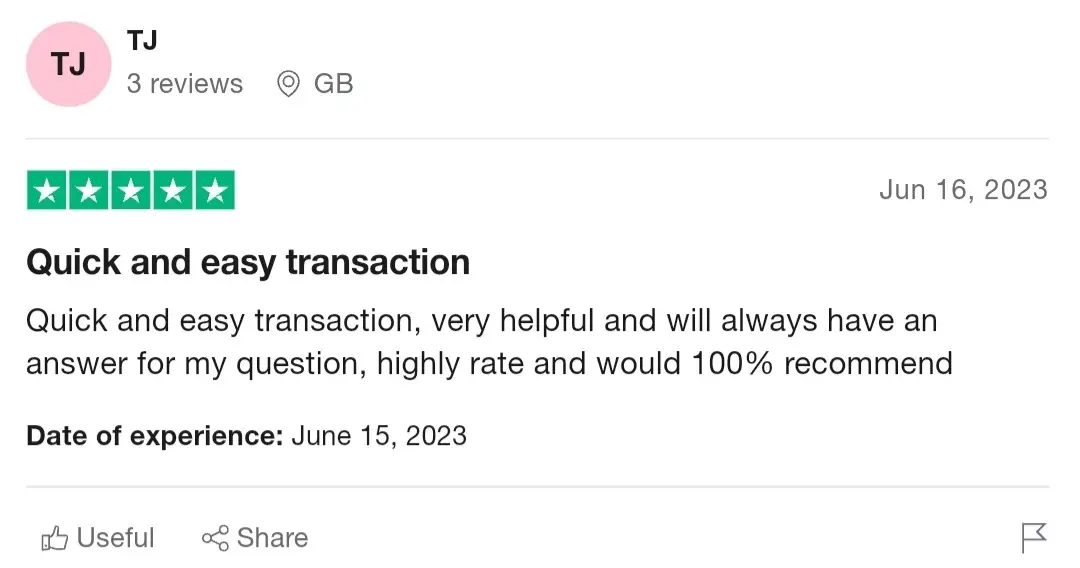
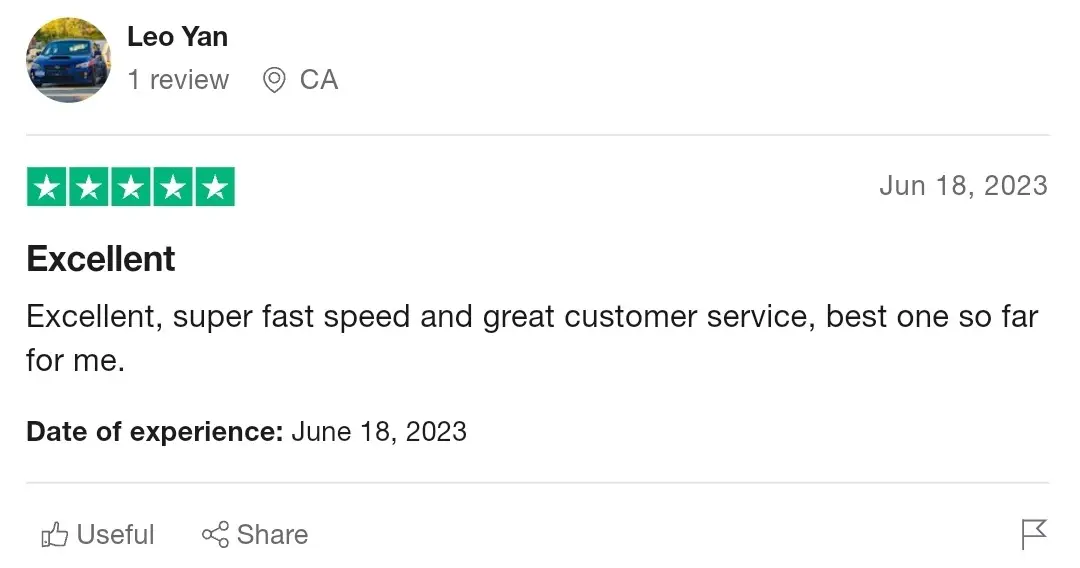
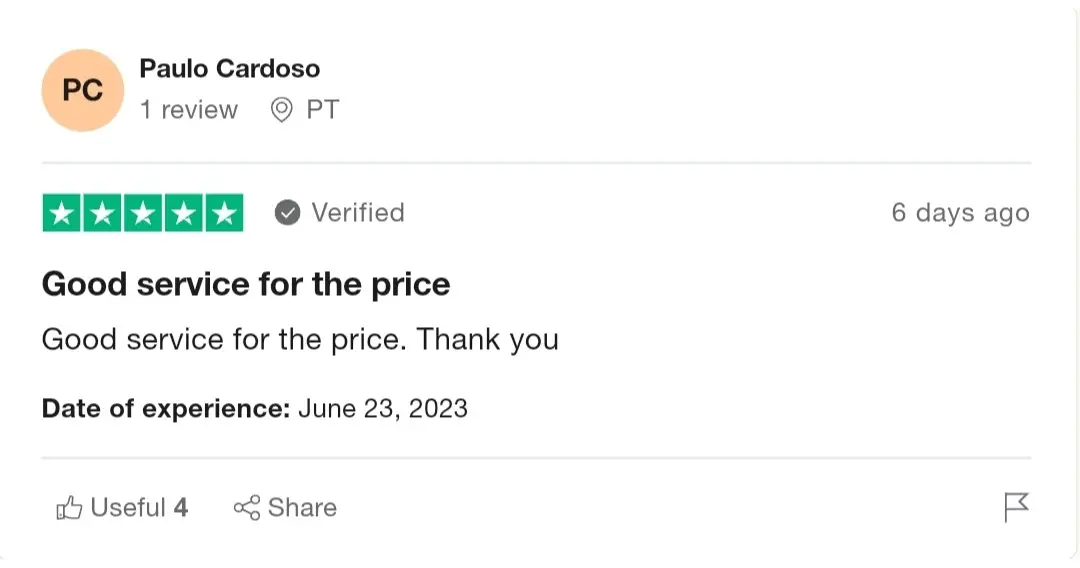
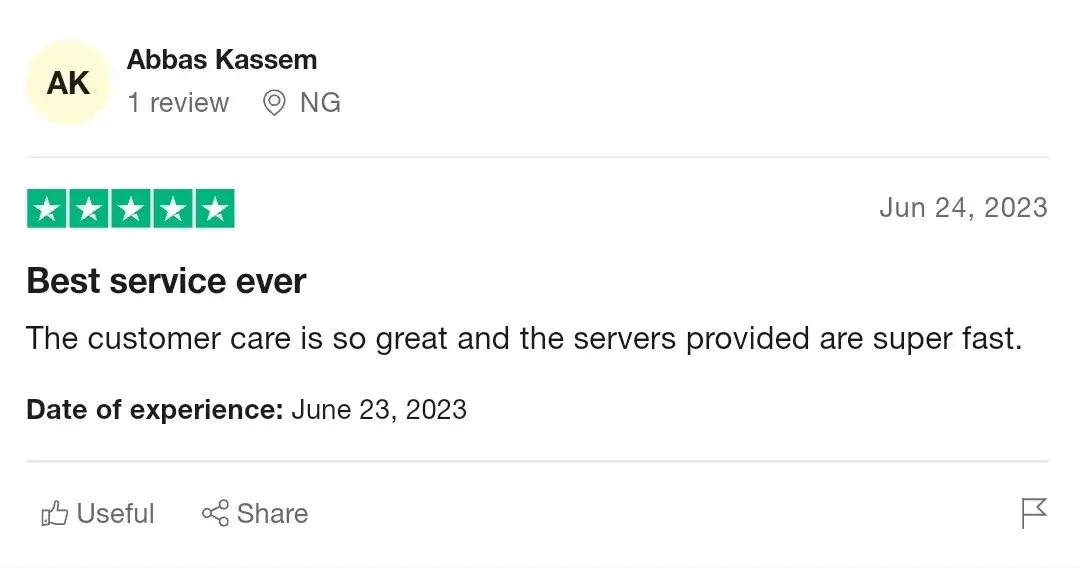
Feedback from our clients

Your questions, answered
Answers to the most frequently asked questions.
Yes, you can cancel at any time, no questions will be asked while you cancel, but we would greatly appreciate your feedback.
We accept the following payments.
Crypto and Paypal
Our Big Boss IPTV services can be accessed through all smart TV devices (Samsung, Sony, LG…), all Android devices (phones), ONN boxes, and Firesticks.
If your download speed is not less than 15 Mbps, then everything will work smoothly at the highest quality. If you are unsure, please request a free trial to test the quality first.
Netherlands Belgium France United Kingdom Germany Switzerland Austria Poland Spain Malta Portugal Italy United States Canada Australia New Zealand Arab India Pakistan Iran Turkey Azerbaijan Kurdistan Africa Afghanistan Armenia Exyu Slovenia Albania Greece Latin Brazil Caribbean Suriname Sweden Denmark Norway Finland Czech Bulgaria Romania Hungary Russia Georgia/Kazakh Ukraine Lithuania Latvia Estonia China/HK Malaysia Philippines Indonesia Korea Thailand Taiwan Vietnam
You can have 1 connection per account.
Depending on the package chosen you can have multiple connections
Big Boss IPTV offers you a trial. With this, you will be able to watch all the channels available in our packages, including adult channels, movies, and series..
With our Big Boss IPTV service, you do not need to purchase a VPN subscription to protect your information, we have built-in VPNs free of charge for our customers and all browsing data is end-to-end encrypted using software provided by a third-party provider. supplier.